Start with an idea or a template
Create a menu, promotion or ad with templates or AI, then make it your own.
Create menus, promotions and ads with templates or AI. Customize them on your phone and choose which screens in your business display them with Zignio Player.

Create your designs and manage your screens.

Show the content you choose in the app.
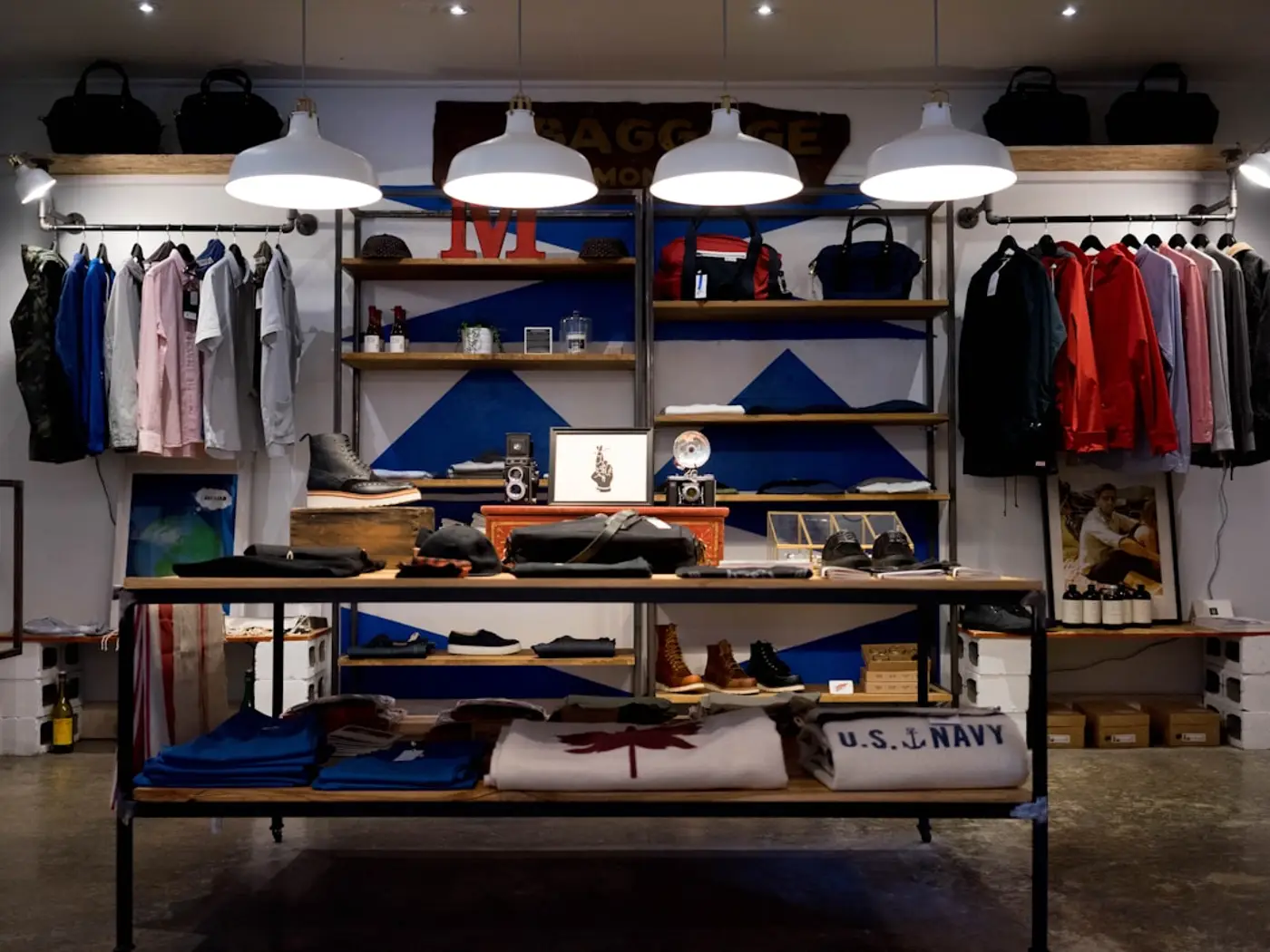
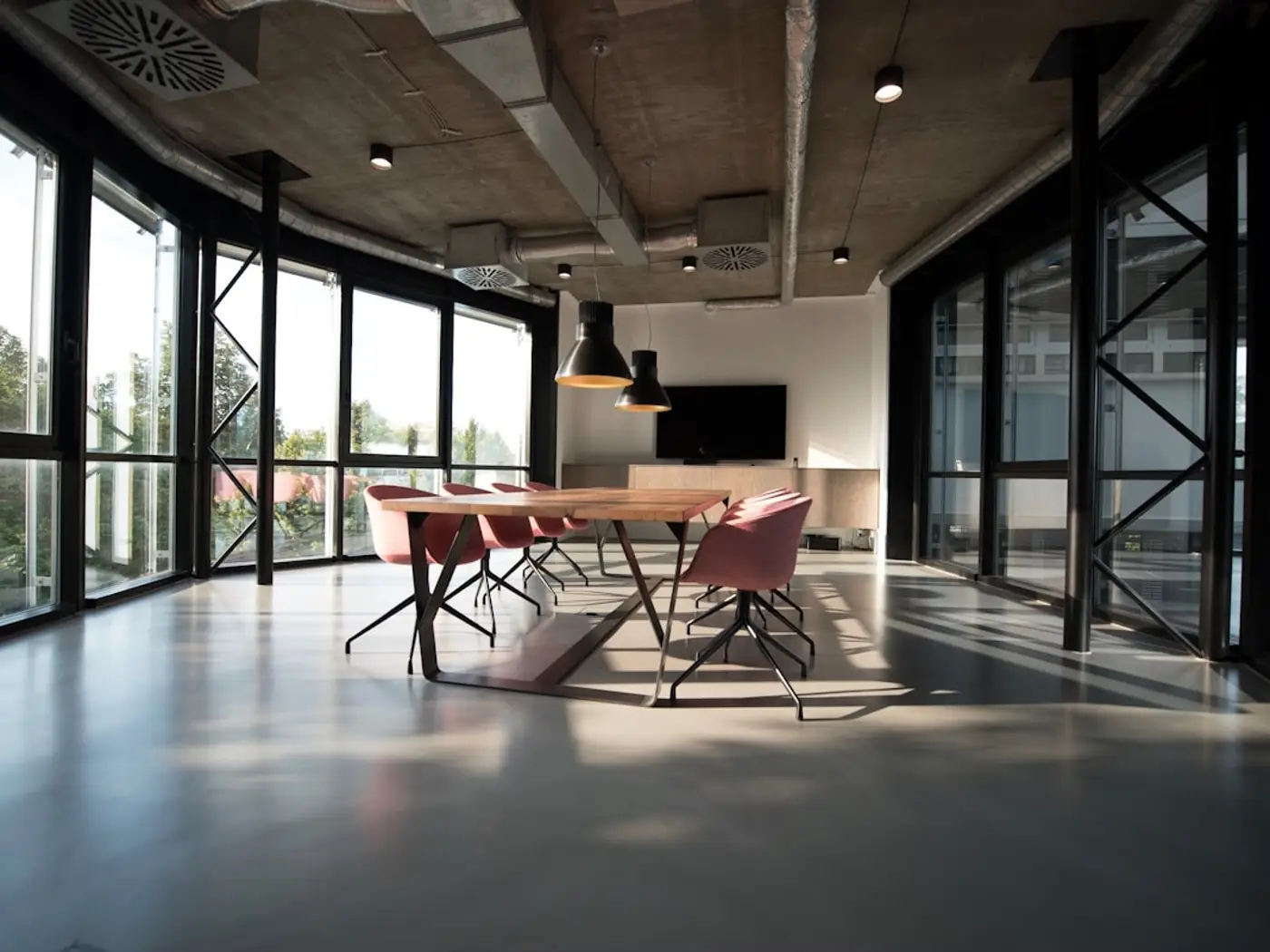
Fictional brands shown as visual examples, not Zignio customers.

Zignio adapts to what you need to share.
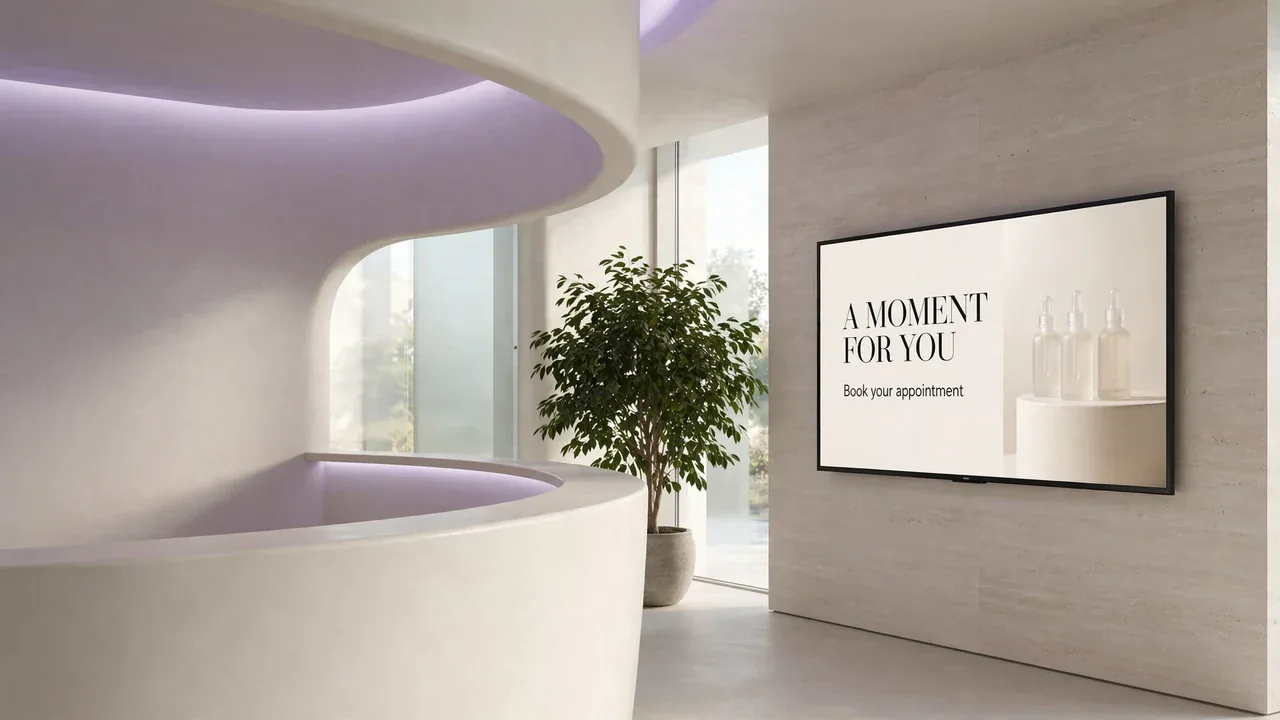
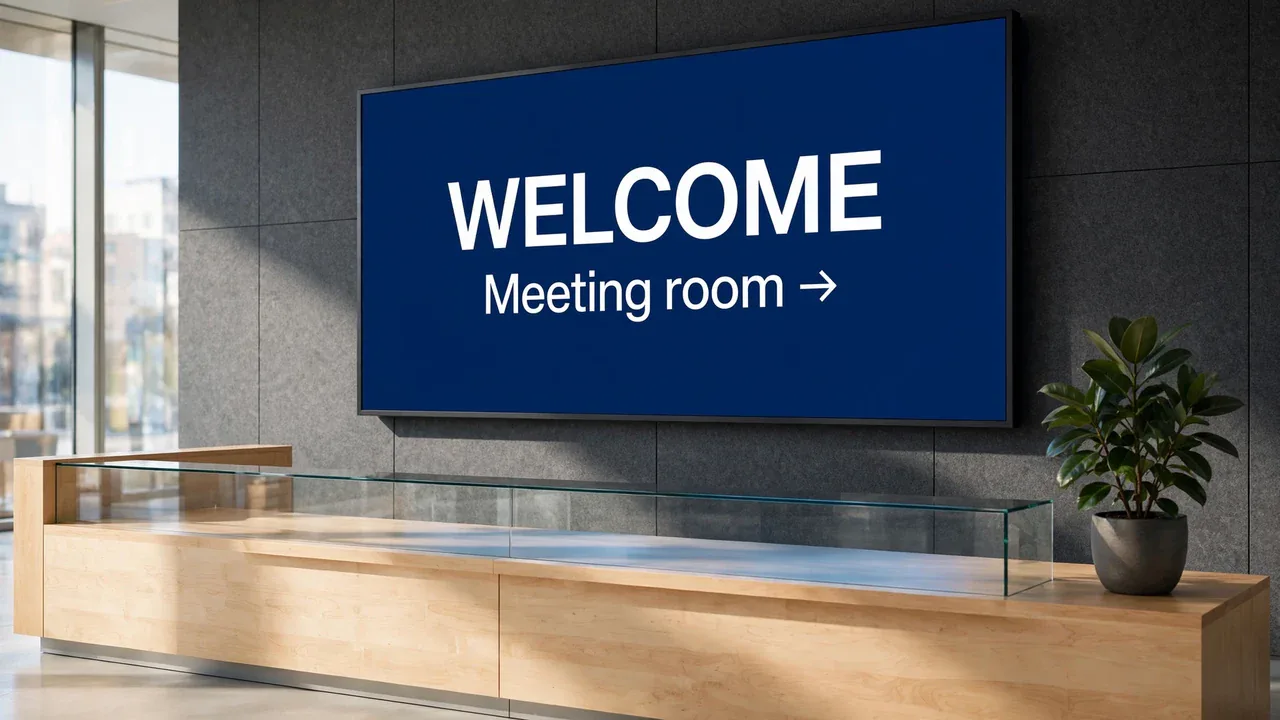
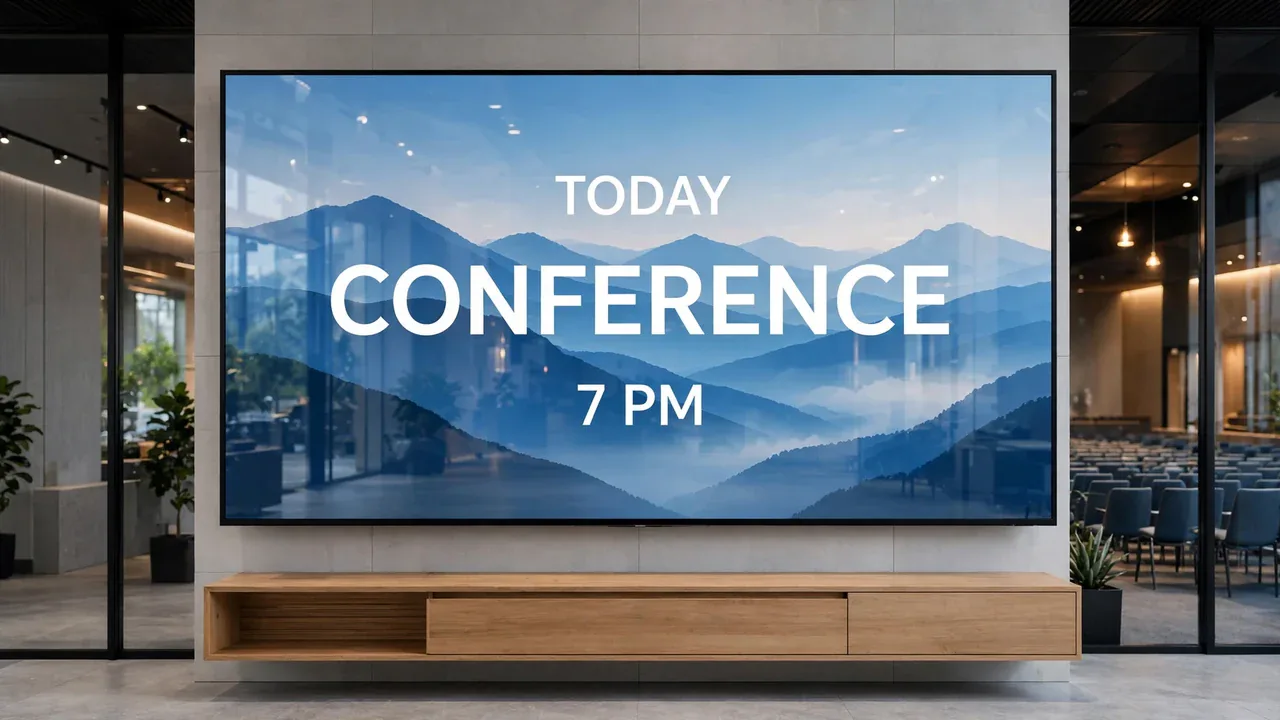
Prepare content for your business and choose where to show it.
Create a menu, promotion or ad with templates or AI, then make it your own.
Choose a design and the linked screens where you want to display it.
Edit text, images and prices in the app to keep your ads up to date.
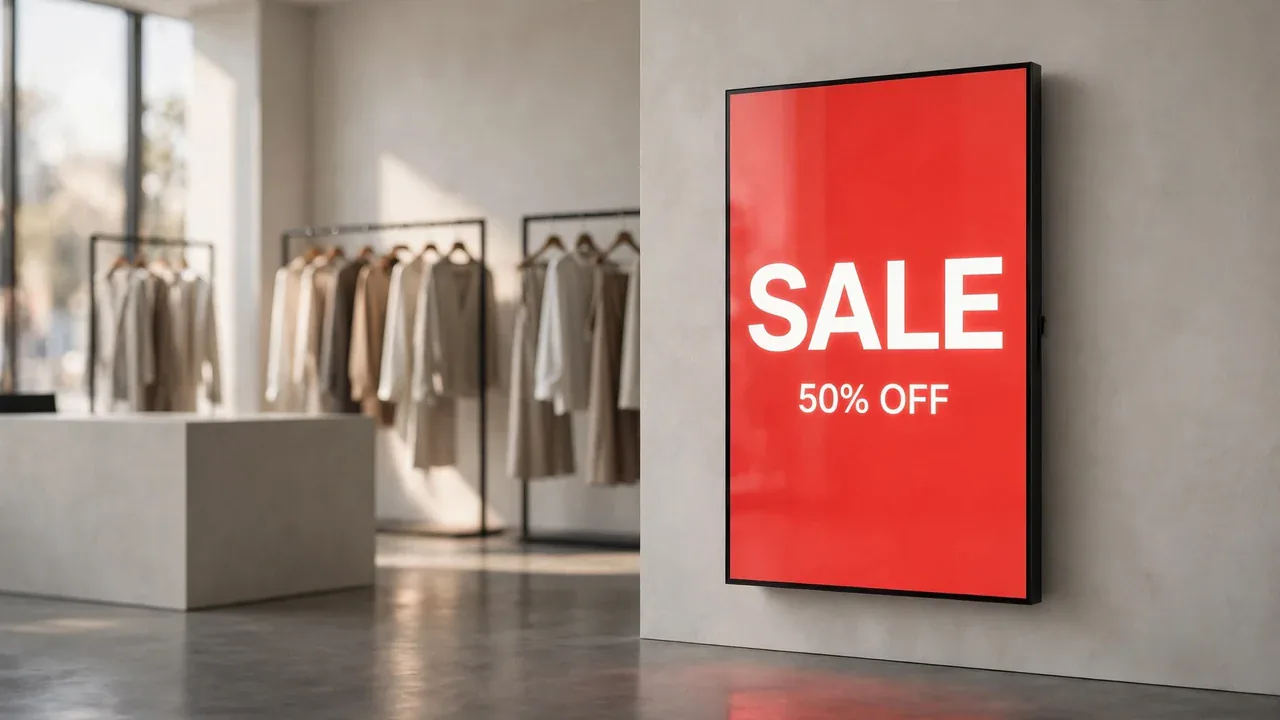
Show your products, offers and latest arrivals on the screens your customers see.
From the app to your screen in three steps.
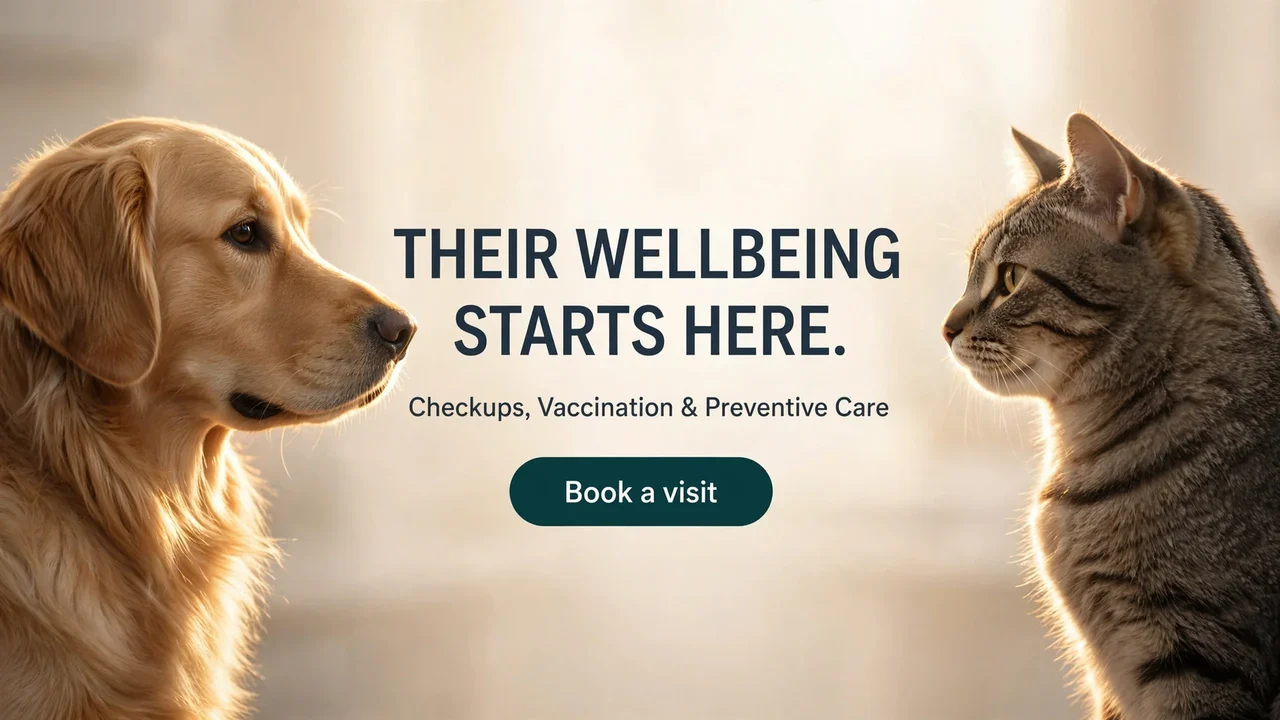
Find a place for your screens in your everyday work.
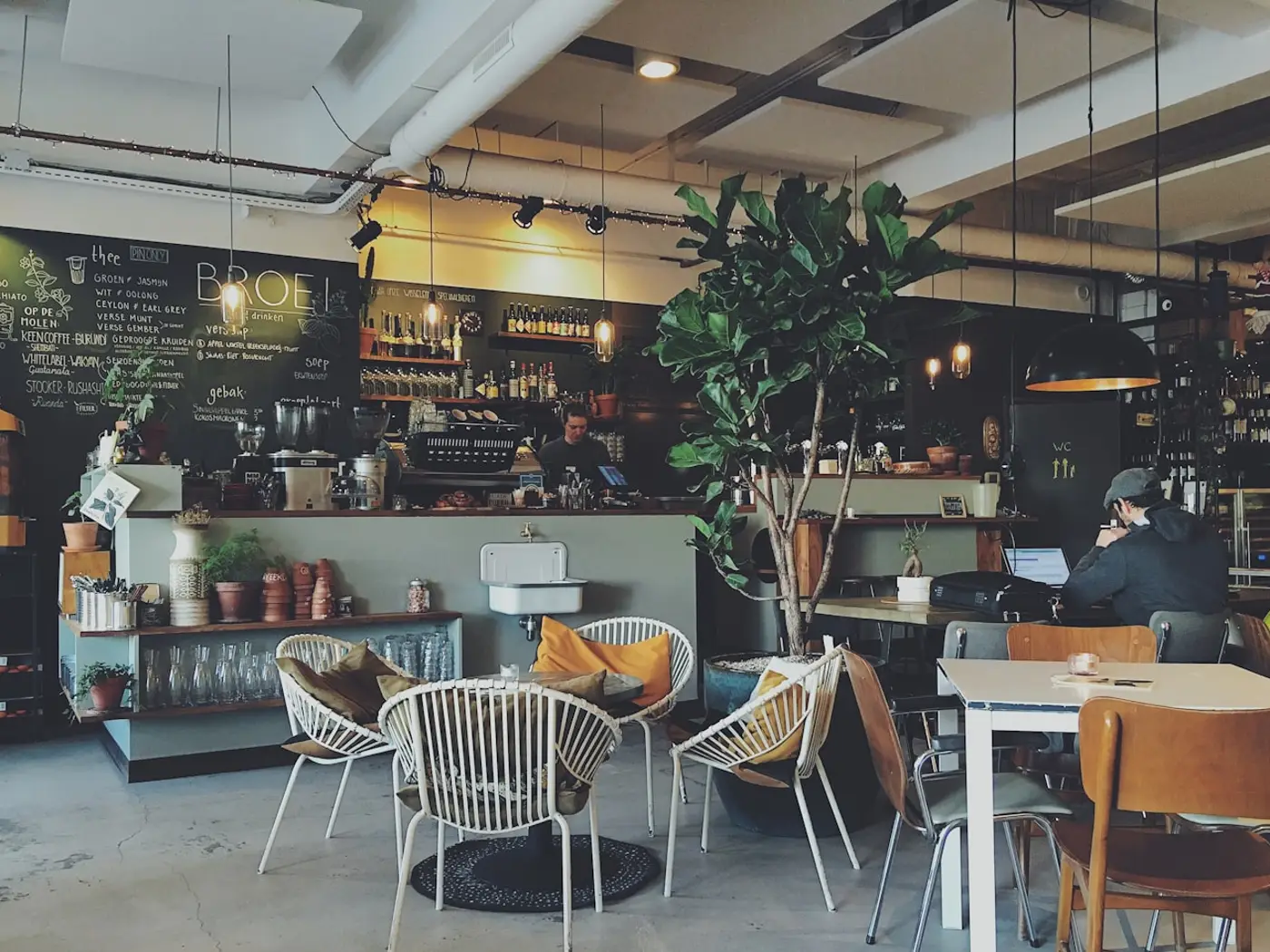
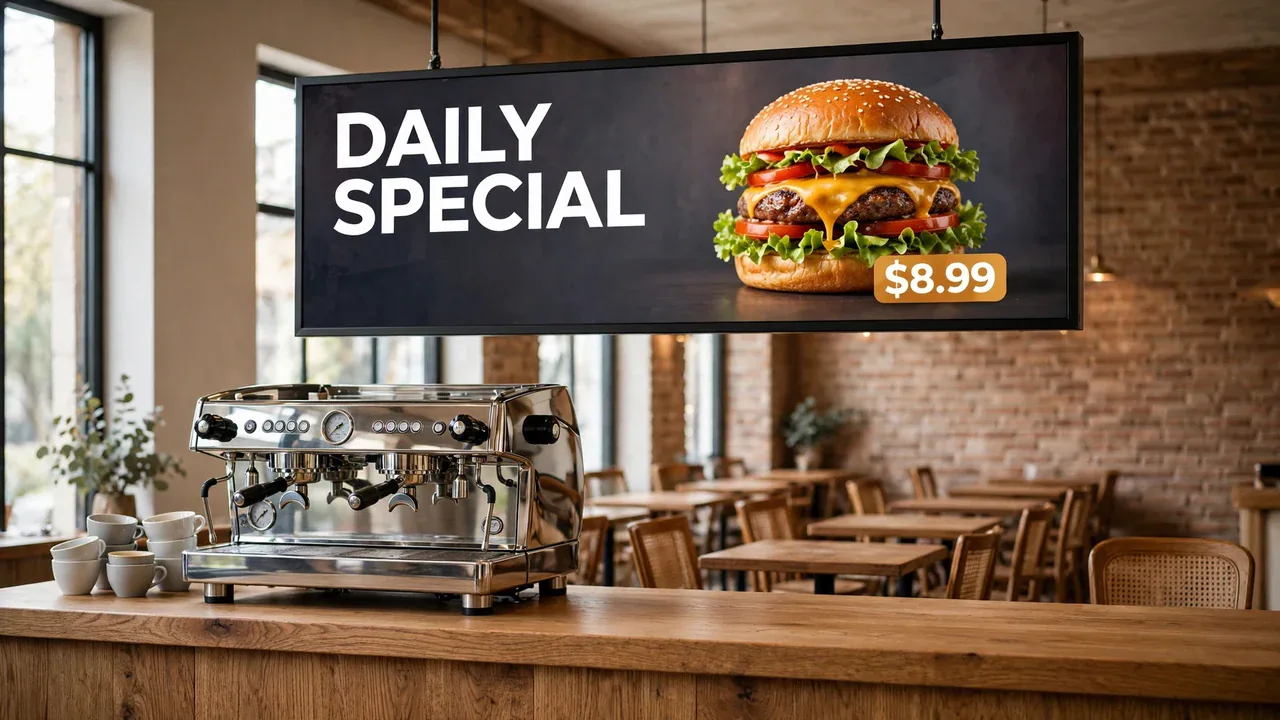
Put your menu in the spotlight, introduce a new dish or feature today’s special. Prepare the design on your phone and choose where to display it.
Explore these designs and create your own version with your business’s products, prices and colors.
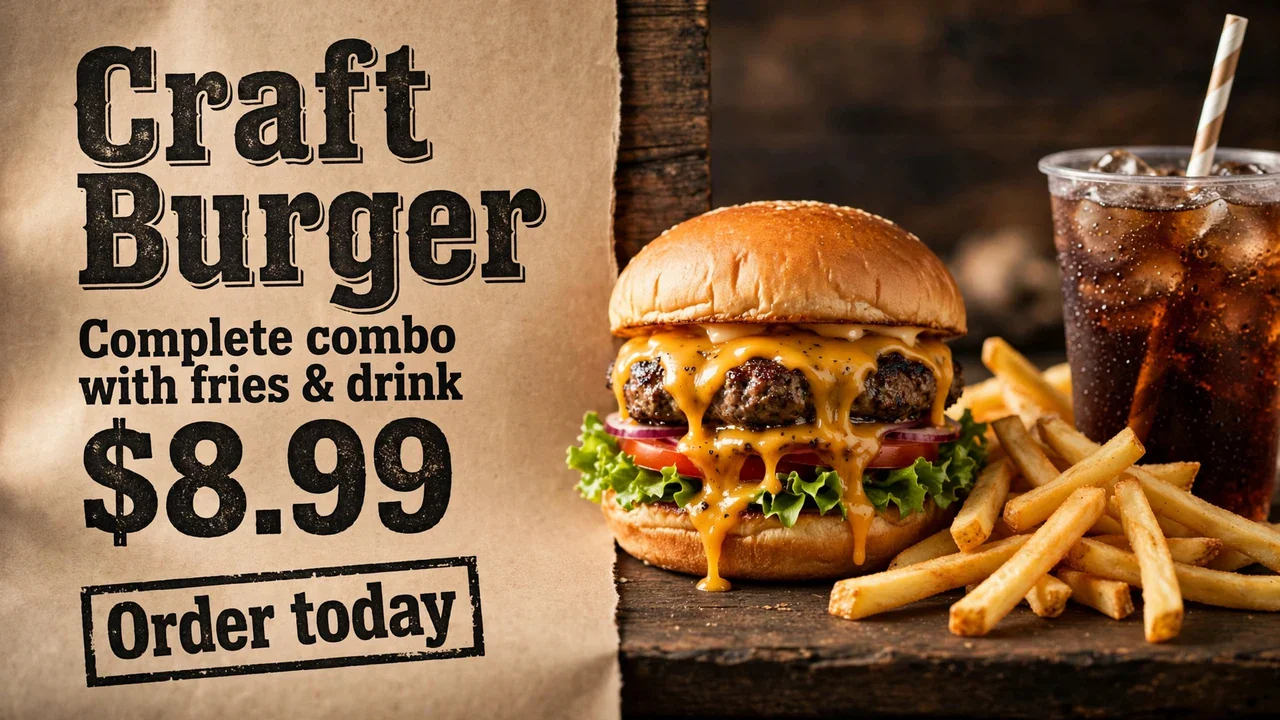
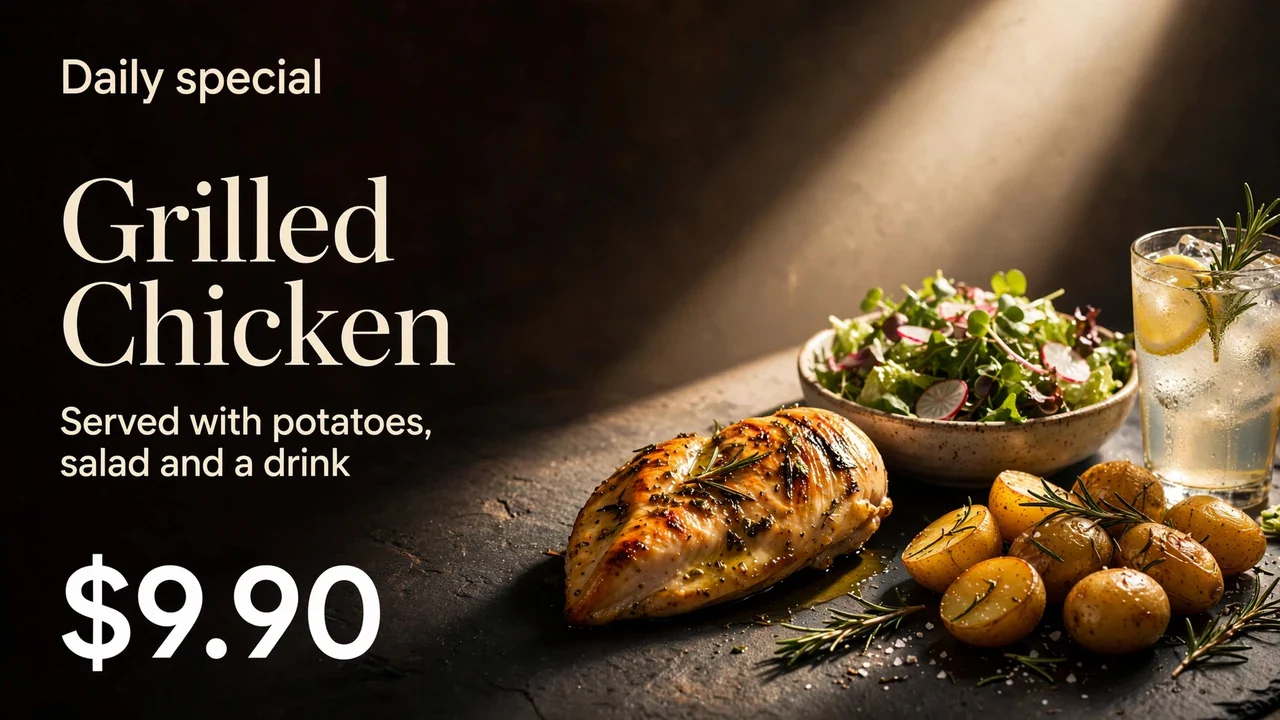
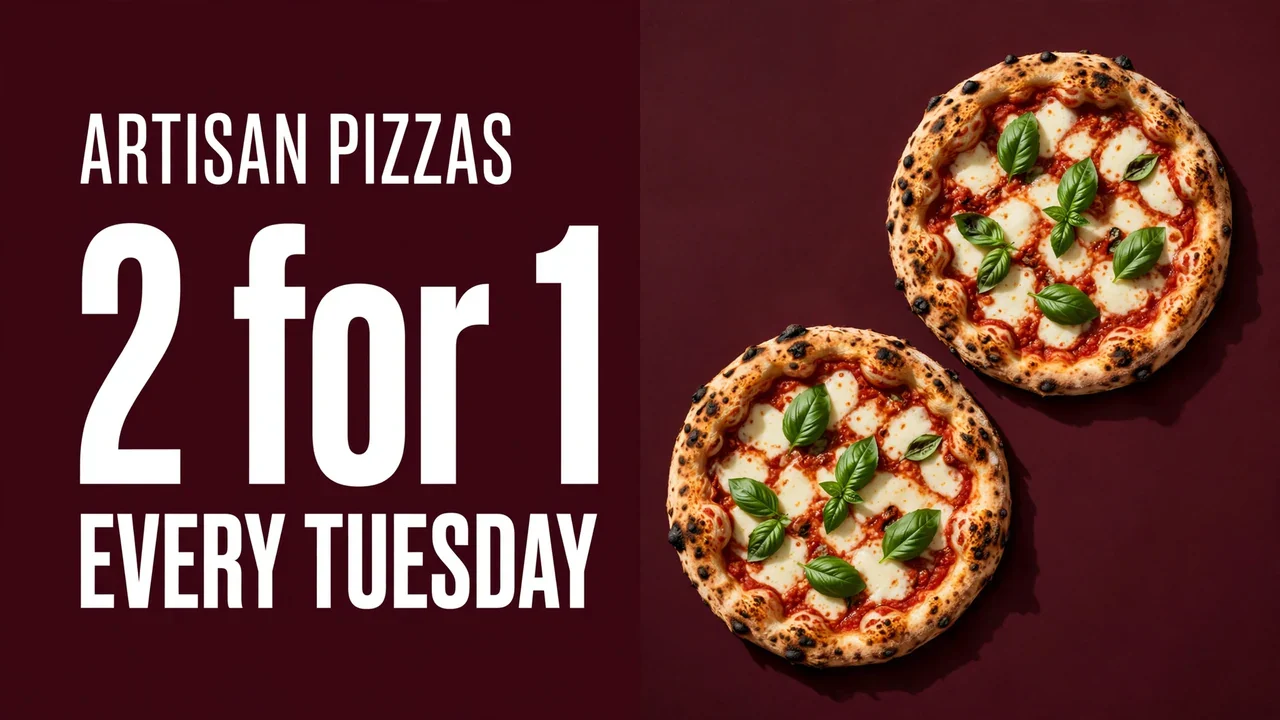
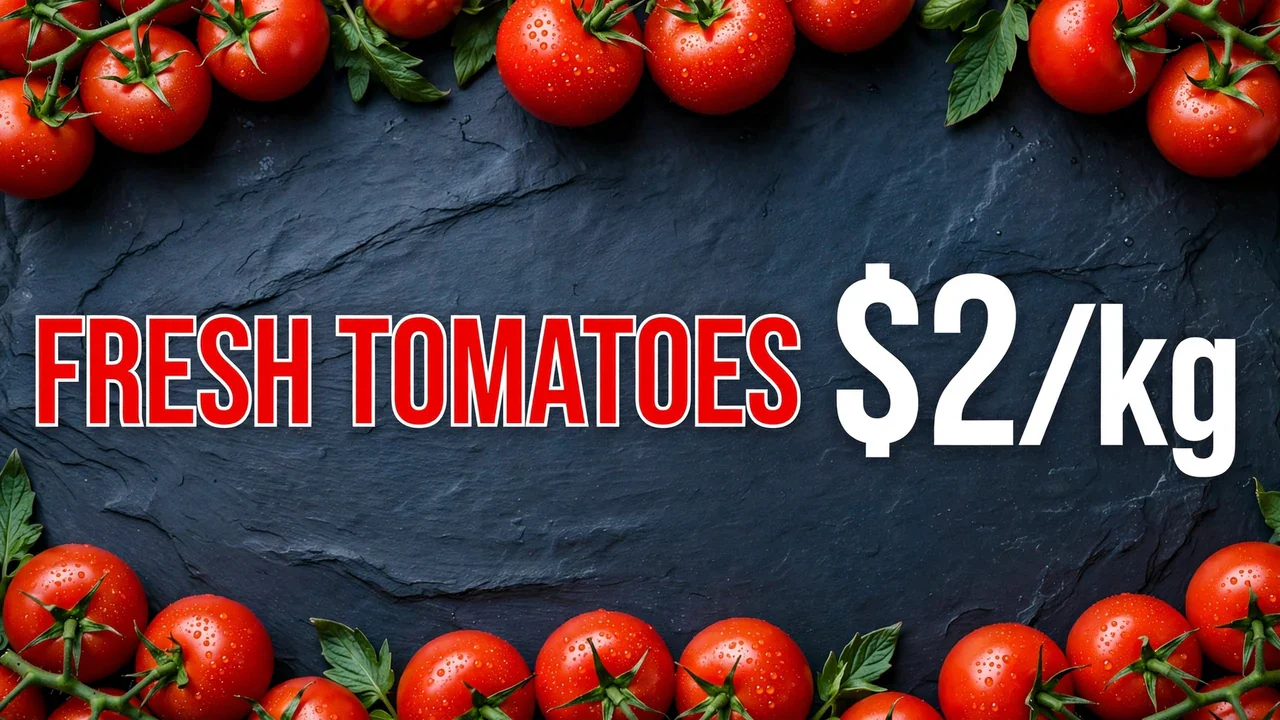
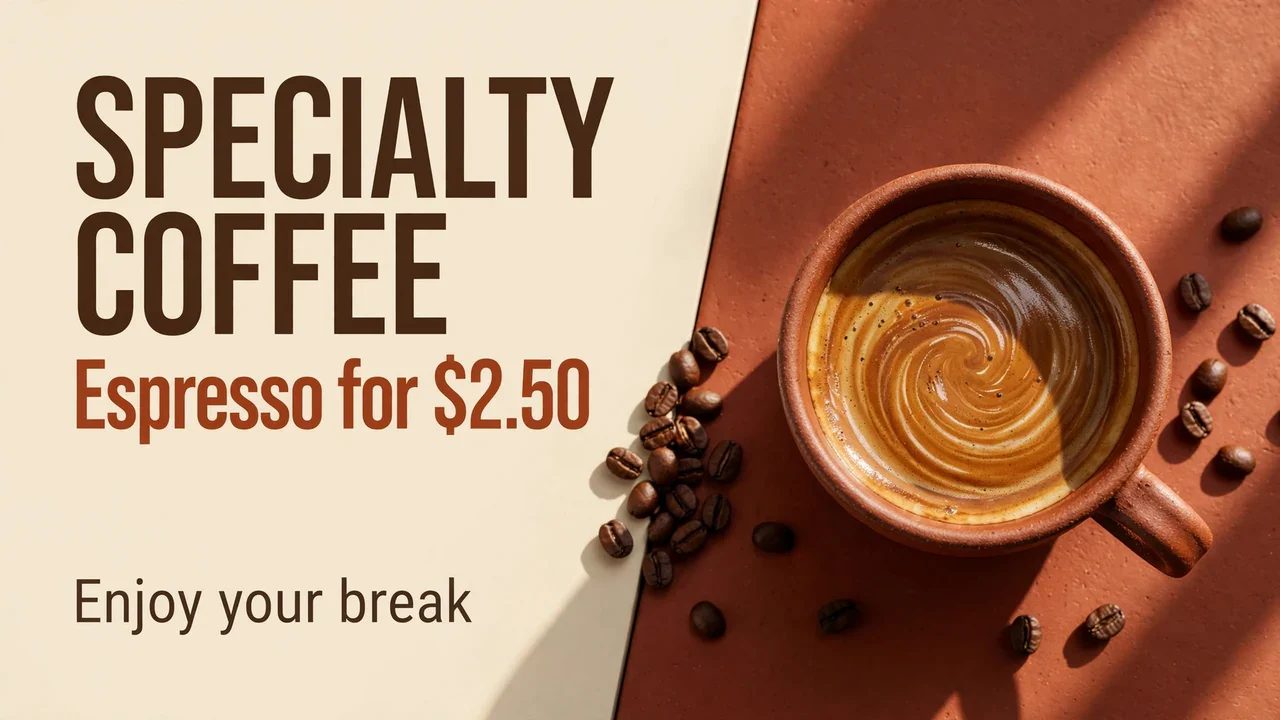
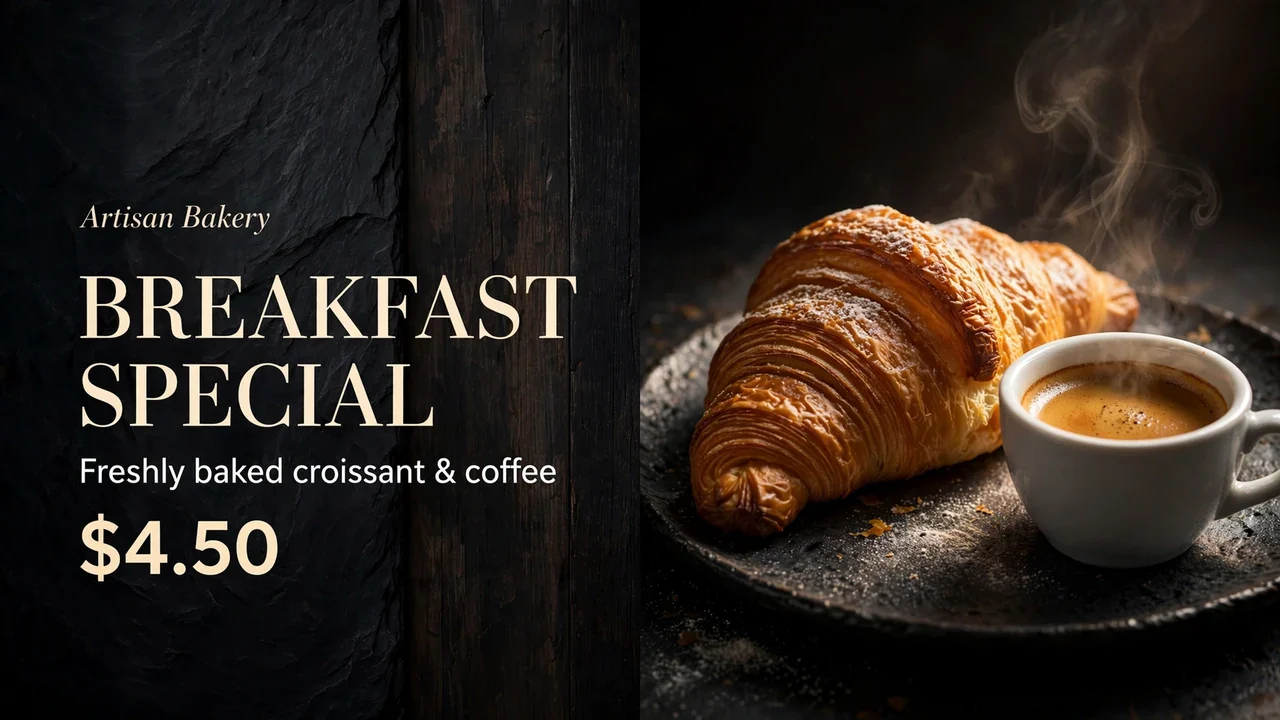
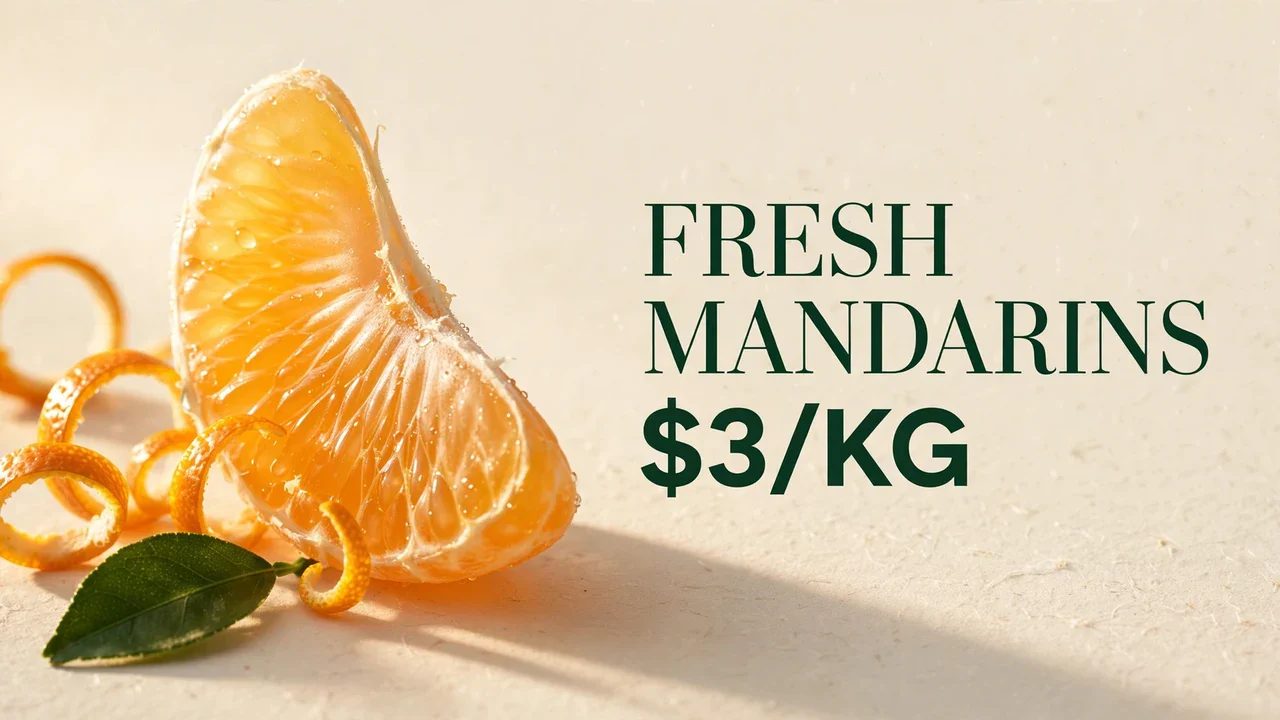

Zignio lets you create menus, promotions and ads on your phone and show them on your business screens. Update products, prices and messages to highlight what matters to your business.
Zignio is the app for your Android phone: use it to create designs and manage your screens. Zignio Player runs on your compatible TV or player device and displays the content you choose in the mobile app.
You need a TV with Google TV or Android TV to install Zignio Player. If your TV does not include either system, you can connect a compatible player device via HDMI, such as a Chromecast with Google TV. Not every smart TV or Chromecast model supports installing Zignio Player.
Install Zignio on your Android phone and create your account in the app. Then install Zignio Player on your compatible TV or player device and link it from the mobile app. You can now create a design and choose where to display it.
You can start with a template and customize text, images, colors and prices. You can also create content with AI, depending on the features and credits available in your account.
Yes. Free lets you create designs with the editor and free templates, then publish to one screen. To export files, use premium templates and receive AI credits, you need Pro Start, Pro Business or Pro Scale. Each plan has its own screen, storage and credit limits. Compare prices and limits in the app. Any welcome AI trials are shown separately.
Subscriptions are purchased only through Zignio on your Android phone. You can view the available plans and complete your purchase through Google Play in the app. You cannot subscribe on this website or through Zignio Player on your TV.
Credits are used to generate content with artificial intelligence. The amount used depends on what you generate and how many results you request. Pro plans include credits per cycle, rather than unlimited generations. Manually editing your designs or displaying them on screen does not use AI credits.
Yes. You can choose which design to display on each linked screen. The number of screens you can manage depends on your plan. You can also edit your ads and update the content from the app.
Zignio Player can keep showing previously downloaded content for up to 72 hours after its last connection to Zignio, as long as the screen remains enabled under your plan. If you fully power off or restart the TV or player device, it will need internet when it starts again before it can display content. You also need a connection to link screens and send or update ads.